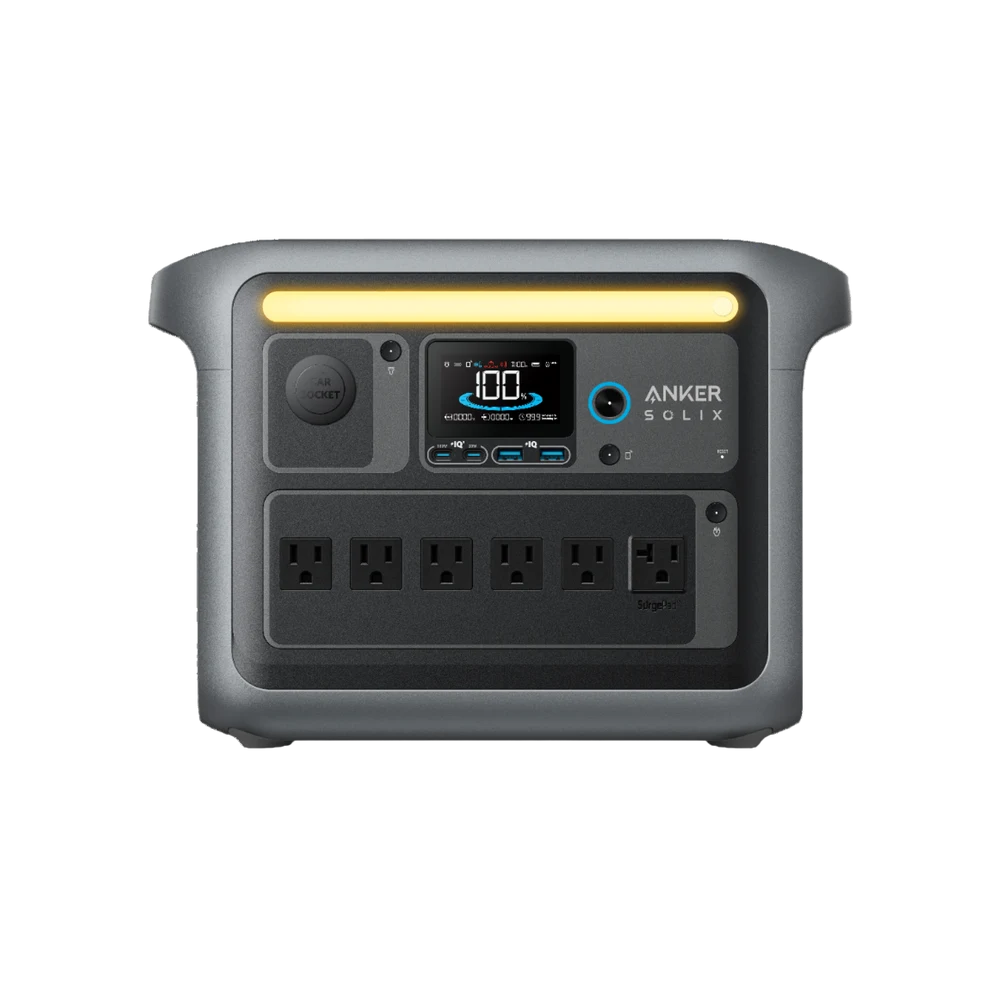
Inventory the modem or ONT, router and necessary network equipment. Local power backup does not guarantee that the provider network will remain available.
Manufacturer information informs the product details; the buying analysis is our own. This is not a hands-on test.Follow the connection from the wall to the screen
A home network can include an optical-network terminal, modem, router, switch and wireless access point. Some devices combine roles; others use separate power supplies. Identify your actual arrangement before estimating energy. A router with a glowing power light is not enough if the upstream device beside it has switched off.
Decide which equipment is essential for the intended task. A small work setup may need a router and ONT but not every mesh node or entertainment device. Removing unnecessary loads can improve the energy plan without buying a larger station. Keep coverage sufficient for the location where you will work rather than maintaining every room by default.
Internet service can fail outside your home. A working local network and powered router do not guarantee an active provider connection. Treat backup as one part of resilience, not a promise of uninterrupted internet. If connectivity is important, consider an appropriate separate plan for communication and check what equipment it requires.
Estimate energy from the real load, not the adapter maximum
A power-supply label may describe a maximum supported output rather than typical consumption. Do not silently assume the equipment continuously uses that maximum. Obtain appropriate device information or use a suitable measurement method if you are competent to do so. Keep the assumptions explicit when no direct reading is available.
For illustration, assume a 12-watt router and an 8-watt ONT together use 20 watts steadily. Six hours would require 120 watt-hours at the devices before losses and reserve. These are invented planning inputs, not measurements of any product featured here. Substitute your own supported data before using the result to choose equipment.
At low loads, station overhead and operating settings can matter. Dividing a large battery capacity by a tiny router load may suggest an unrealistic duration if other consumption is ignored. Review the actual model’s behaviour and relevant settings. A smaller purpose-built supported backup arrangement might be worth comparing when the network is the only job.
A UPS claim needs a compatibility check
Some stations advertise a transfer or backup mode. Read the supported connection, switching behaviour and load restrictions rather than assuming the word UPS guarantees that every device remains uninterrupted. Different equipment can tolerate different interruptions, and a published switching figure is not a compatibility test of your network hardware.
Follow the manual for any supported mains-to-station-to-device arrangement. Do not infer that every station permits unattended pass-through use in every circumstance. If the application is business-critical or safety-related, obtain an appropriate professionally designed solution. This article is ordinary household planning, not a guarantee for critical communications or medical equipment.
Test a permitted setup in a controlled way according to the instructions before relying on it. Confirm that the network returns as expected and note any device that needs a restart. Avoid unsafe improvisation and do not repeatedly disconnect equipment in ways the supplier discourages. The objective is to establish a repeatable arrangement, not stress the hardware.
Keep the setup understandable to the household
Label which supported power supply belongs to each device and keep the deployment route clear. Do not substitute a DC cable based only on its connector. Voltage, polarity and other requirements matter. Use compatible equipment and manufacturer guidance, or qualified help where required. A tidy-looking connection can still be electrically wrong.
Choose a location that keeps cables from becoming a trip hazard and allows the station’s required ventilation. Check whether the unit remains ready between outages. A network backup plan is most useful when somebody can operate it without searching through a drawer of unlabelled adapters during a dark evening.
Buy for the defined network chain and the duration you need. Confirm the transfer arrangement, power budget and upstream limitations separately. A modest, well-understood setup can be much more effective than purchasing an enormous battery and discovering that the single unpowered ONT beside it was the part you needed to include.